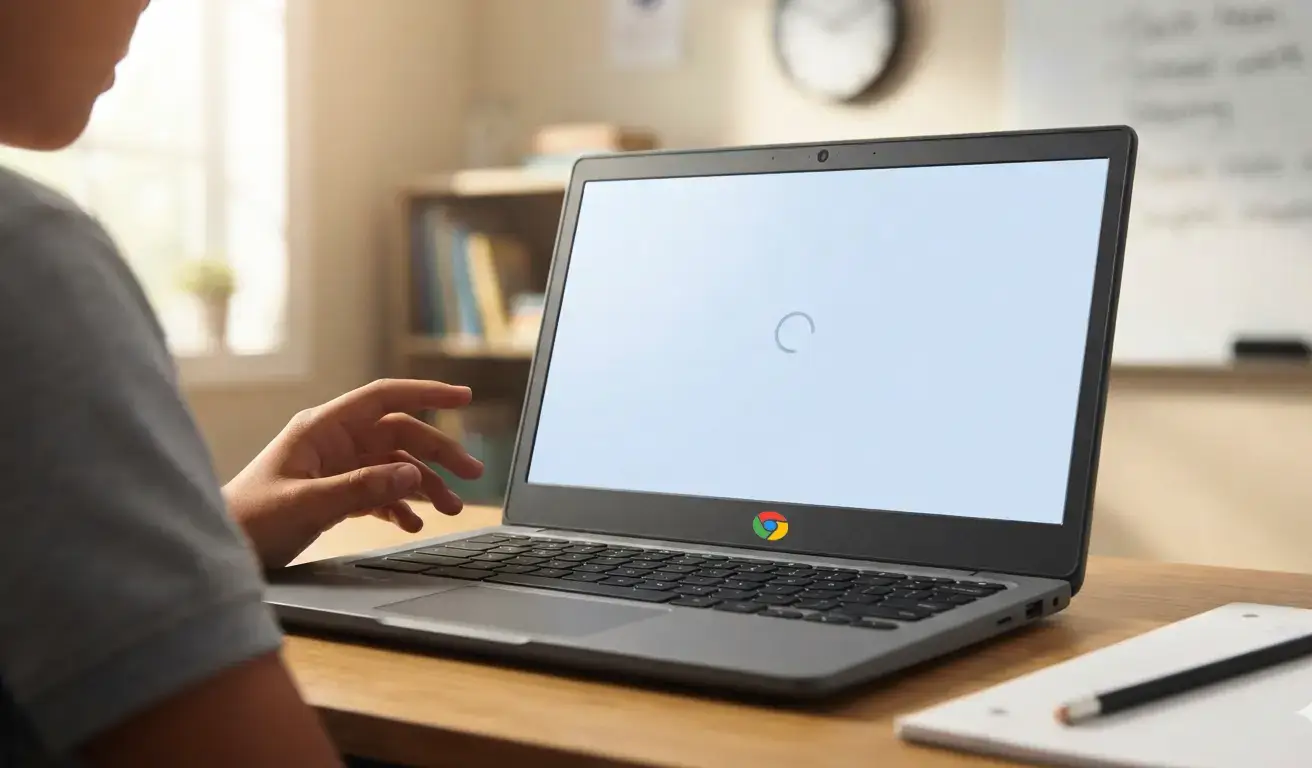



Chromebooks are an essential tool in classrooms. However, school administrators encounter the issue of these devices experiencing a decline in performance over time, which can adversely affect both learning and administrative processes.
Taking proactive steps to maintain Chromebook performance not only enhances day-to-day usability but also extends the devices’ lifespan and maximizes the return on your school’s technology investment.
To support schools in this effort, understanding how to maintain, repair, and optimize Chromebooks is essential. Below are key methods school administrators and IT teams can implement to keep Chromebooks running smoothly.
Regular Updates and Maintenance
Keeping Chromebooks updated with the latest ChromeOS patches is the first line of defense against slow performance. Updates often include security fixes and efficiency improvements designed to optimize speed. IT staff should schedule regular update checks or empower tech-savvy students through a self-repair program endorsed by Google, which encourages responsible device upkeep within schools.
Storage Management and Digital Hygiene
Chromebooks rely heavily on Google Drive for storage, yet local storage plays a role in performance. Users should be instructed to routinely clear out unnecessary files from the “Downloads” folder, remove unused browser extensions and apps, and clear browsing caches. IT policies that educate students on digital hygiene contribute significantly to minimizing slowdowns caused by cluttered local storage.
Streamlining Extensions and Applications
While extensions add functionality, having too many can tax system resources. IT administrators can use the Google Admin Console to manage and restrict extensions to only those essential for educational purposes, creating a streamlined digital environment. This measure reduces background load, accelerating the user experience and minimizing distractions. For insights on efficient resource use, Inspiroz’s blog post on smart Chromebook RAM management provides valuable tips.
Physical Care and Battery Maintenance
Hardware health plays a crucial role in Chromebook longevity. Schools should implement guidelines educating students on proper charging habits and encourage the use of protective cases to prevent damage. Setting up a clear protocol for handling repairs minimizes downtime. For more technical advice on extending hardware life, the thermal management article by Inspiroz is a useful resource.
Resetting Devices and Year-End Reimaging
When a device experiences persistent slowness, a factory reset or “Powerwash” restores optimal functioning. Many schools practice reimaging Chromebooks annually, ensuring devices are refreshed for new student cohorts. This helps remove unnecessary data or settings accumulated over the school year.
Building a Sustainable Repair Program
Despite best efforts, wear and tear are inevitable. Establishing a structured Chromebook repair program ensures professional servicing, timely parts replacement, and minimal instructional disruption. Having trusted repair partners reduces costly device replacements and keeps devices in classrooms longer, ultimately stretching your technology budget.
Conclusion & Next Steps
Maintaining Chromebook speed and health requires a combination of digital management, physical care, and timely repairs. Encouraging self-maintenance practices, implementing strategic IT controls, and partnering with experienced repair providers help school districts keep their Chromebook fleets efficient and long-lasting.
Explore how your school can benefit from a dedicated Inspiroz Revive for Chromebook program tailored specifically for educational institutions here: Inspiroz Revive for Chromebook Program